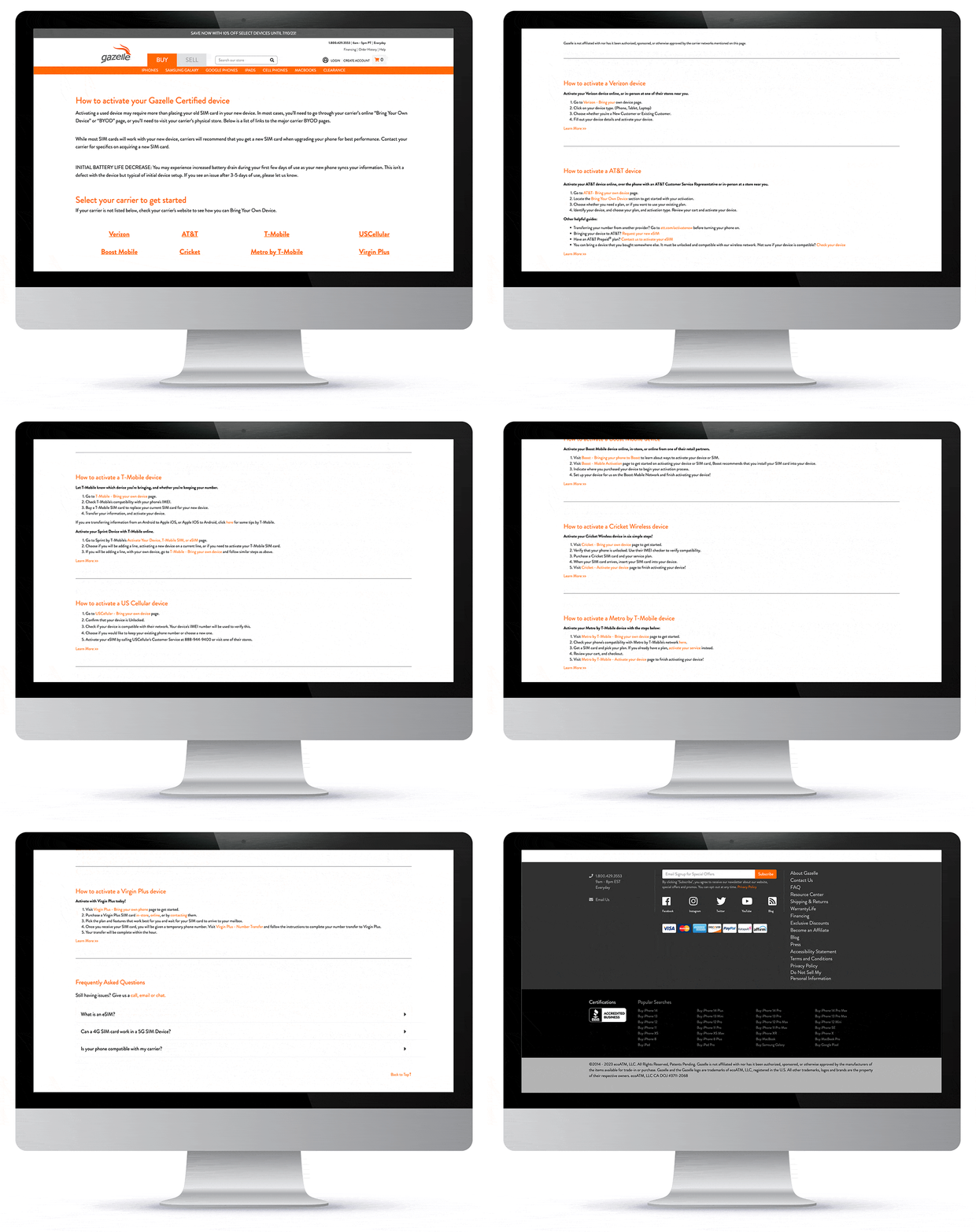
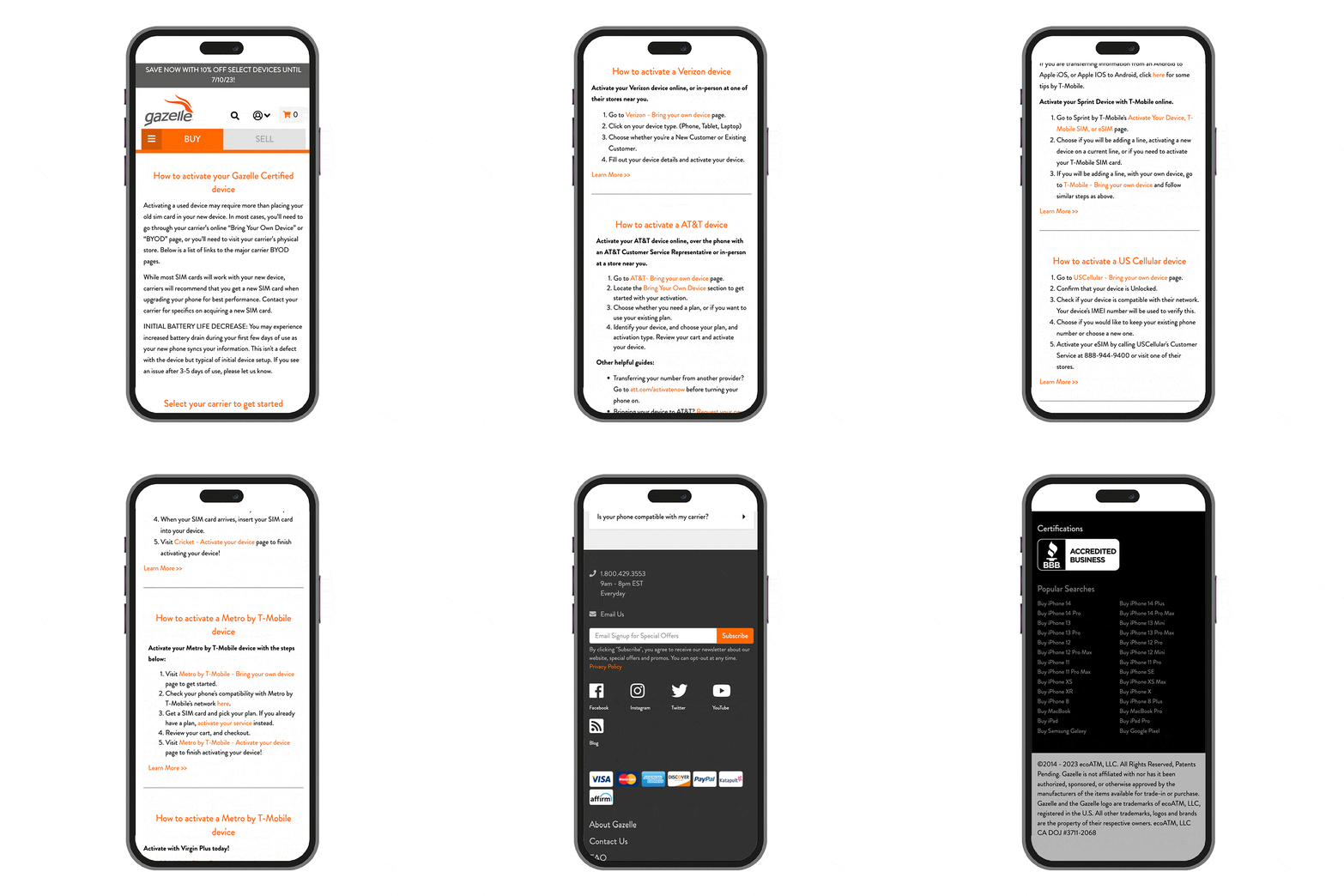
Gazelle Activation Page
PROBLEM: When users activate a Gazelle certified device, they would drop off the website because of insufficient BYOD (bring your own device) information.
GOAL: Retain users on the Gazelle website by developing a comprehensive BYOD page. It will assist users to activate their newly purchased device.
LINKS: Activation prototype (desktop and mobile viewports), How To Activate live webpage (without carrier logos)
I designed the "How to Activate Your Gazelle Certified Device" page for BYOD. The initial design was created using Figma. l gave consideration to both desktop and mobile viewports to ensure a responsive website. After my design was approved, I collaborated with the site optimization team to successfully implement the page onto the website. I utilized Shogun, a Shopify app, to add the finishing live design touches.
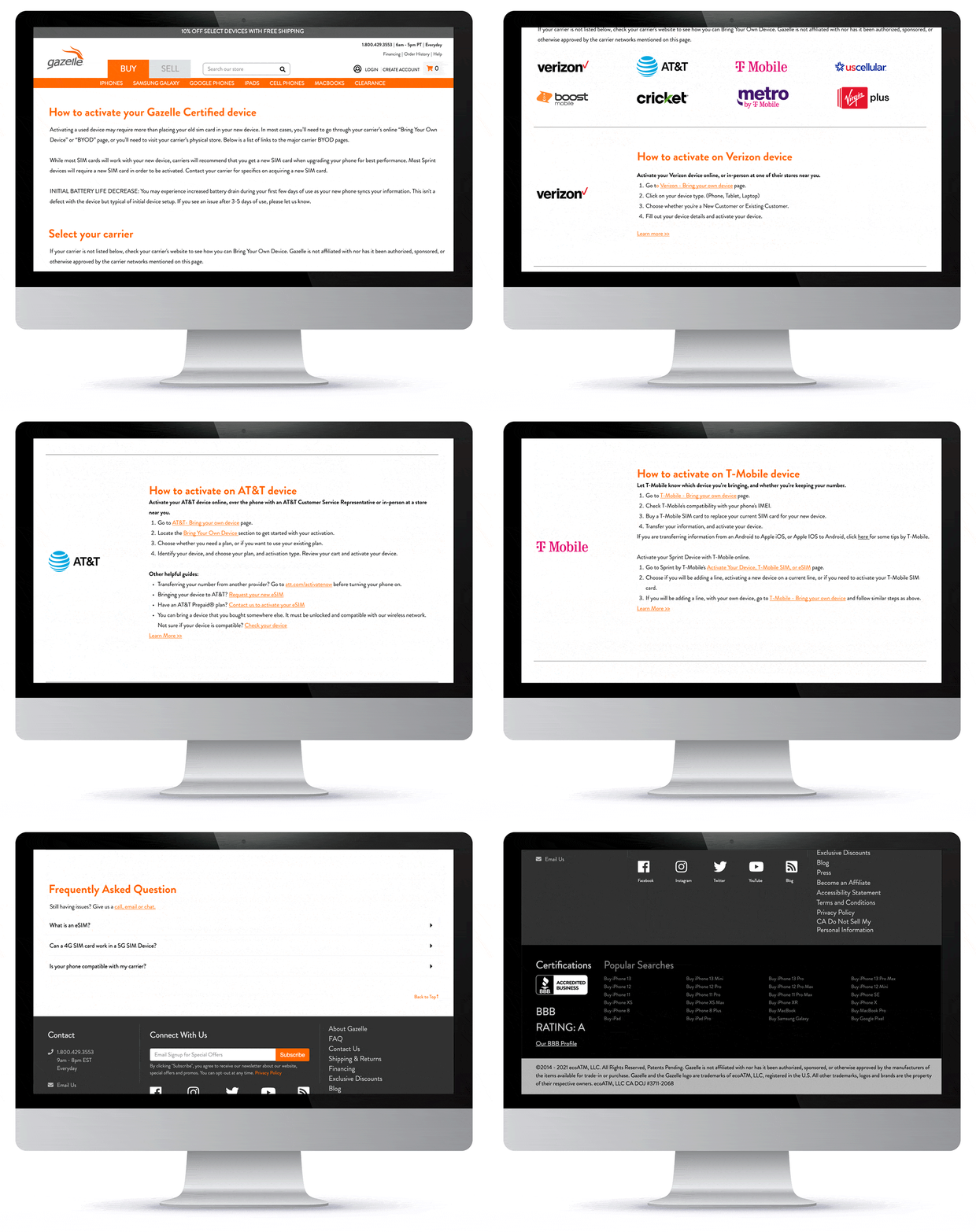
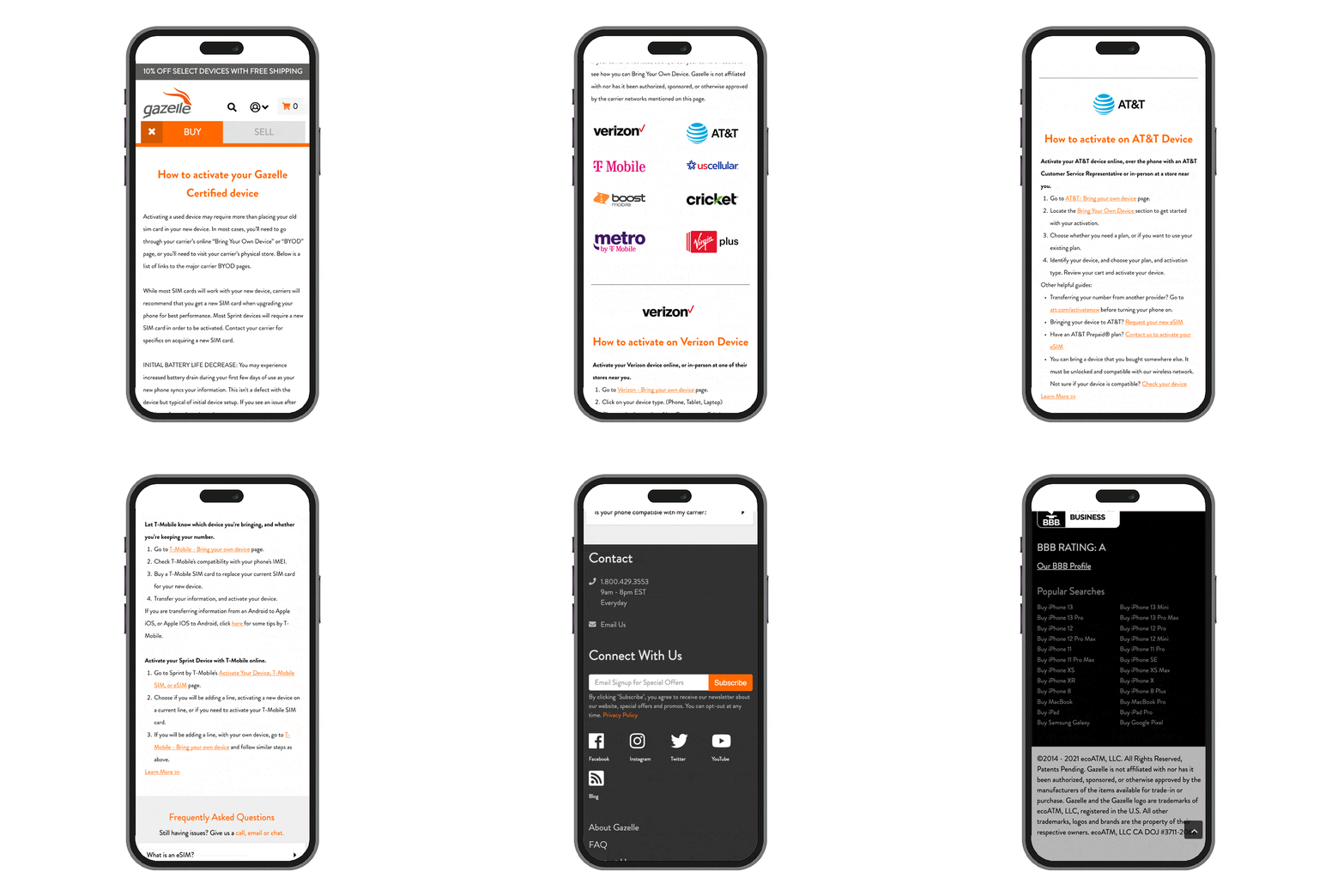
Live “How To Activate” Webpage
Unfortunately, due to legal reasons, we had to remove the carrier logos from the live page. Below is the live Activation page implemented in Shogun.